top of page
QST
Set up your QST lab
Solutions
For researchers
For clinicians
For clinical trials
For patients
Products
TSA2 Air
TSA2
Q-Sense
VSA2
AlgoMed
COVAS
Accessories
Previous products
Support
Software
Professional services
Recorded Webinars
How-to Guides
How to cite
FAQs
Distributors area
News
Scientific updates
News & events
About
Why Medoc
Worldwide partners
Reference sites
Privacy policy
Recent Publications
More
Use tab to navigate through the menu items.
CONTACT US
How-To Guides & Video Resources
TSA2 Resources
TSA2 Resources
Play Video
Play Video
03:42
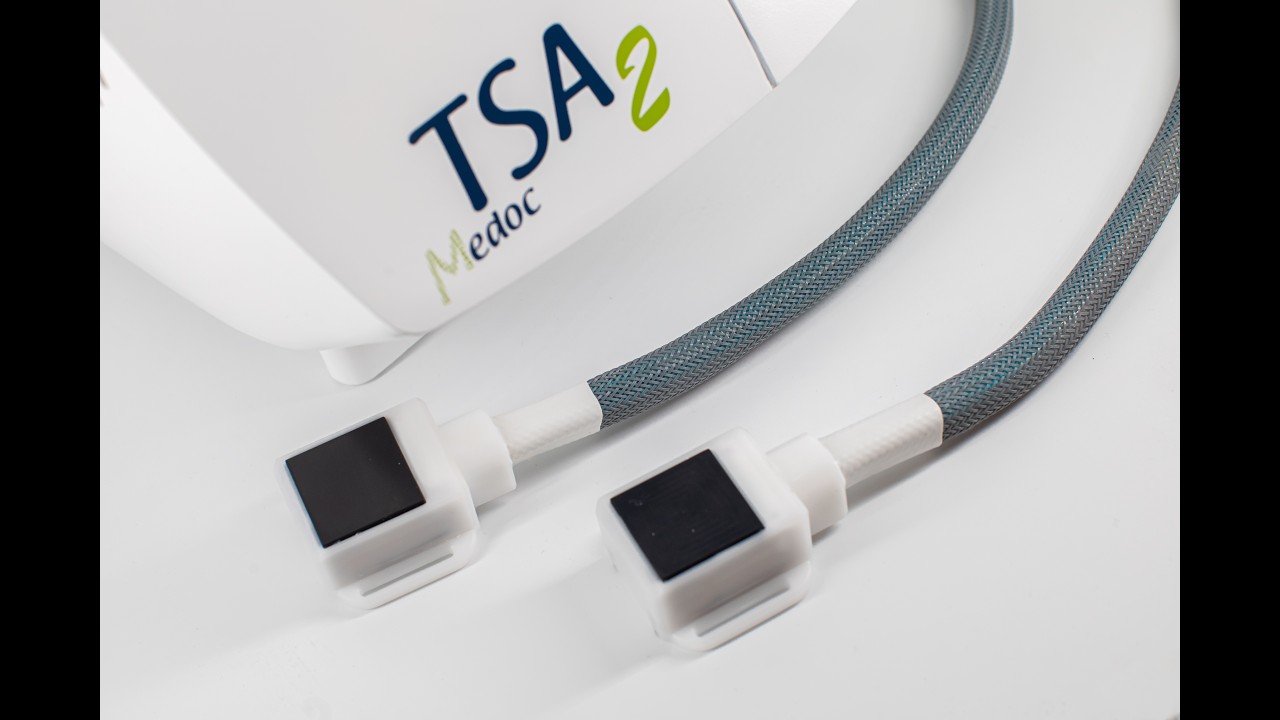
TSA2 Coolant filling with the new coolant filling kit
Instructional video on how to fill the TSA2 with coolant fluid using the new coolant filling kit. Chapters in this video: 0:00 - Beginning 0:15 - Collant filling kit parts 0:31 - Pre-requisites for coolant filling 0:45 - Filling the syringe 1:44 - Inserting the syringe correctly 2:00 - Filling up the TSA2 3:03 - Empty thermodes
Play Video
Play Video
07:18
How to use your Thermode Calibration Kit
Learn how easy it is to calibrate your Medoc thermal stimulator (TSA2, TSA-II, Pathway, and Q-Sense) with the new Medoc Calibration Kit. Calibrating your thermal device ensures the precision and validity of your data. Learn more about our calibration kit: https://www.medoc-web.com/calibration-kit
Play Video
Play Video
12:20
How to use a Dual thermode program
This short video shows how you can easily configure working with two thermodes at once using the TSA2. This will be useful in dual-thermode conditioned pain modulation (CPM) or any other program that requires the use of two thermal stimulations at once.
Play Video
Play Video
06:06
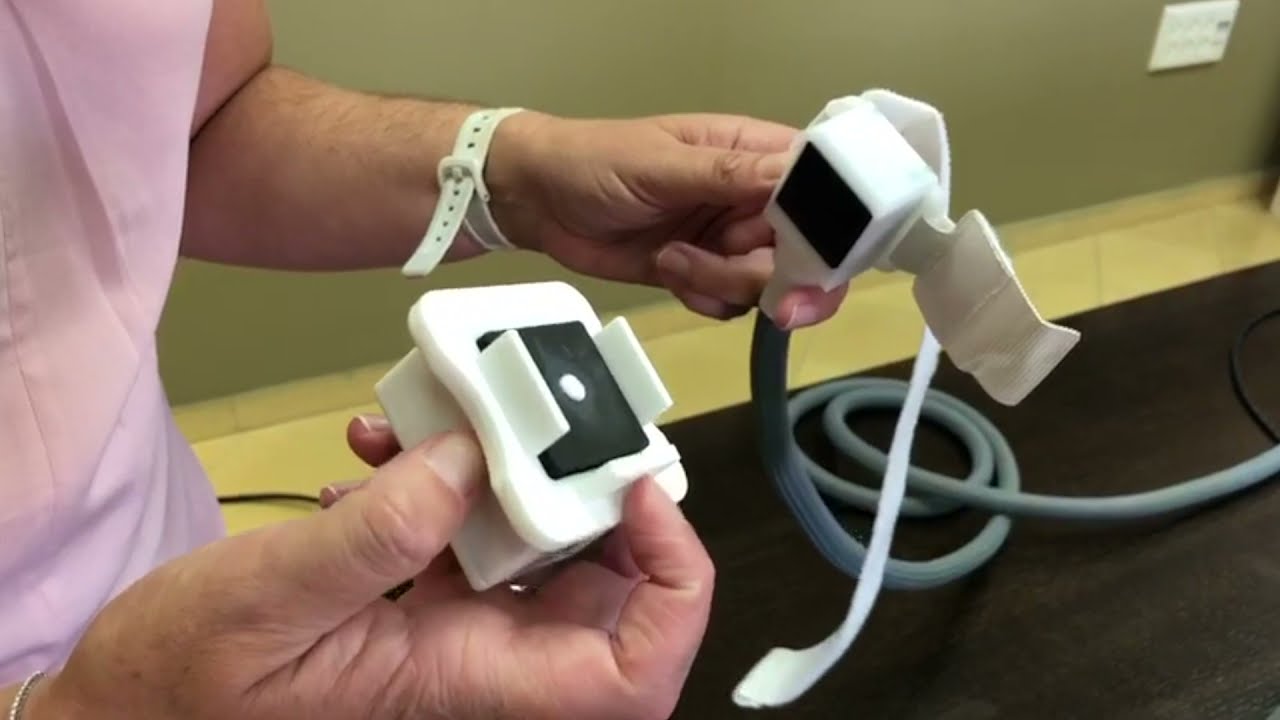
How to fill your TSA2 with coolant fluid
Learn how to fill your TSA2 with coolant fluid in a few easy steps. We will show you the required items to prepare in advance and the process itself will be performed on camera so you can pause the video whenever you like to follow the process with us.
Play Video
Play Video
04:22
How - to guide: Flashing Firmware
How - to guide: Flashing Firmware
Play Video
Play Video
17:51
Working with the pulses program on Medoc MMS
In this short video, we will go over the Medoc MMS pulses program that allows you to create a stimulation profile in a pulse shape.
Medoc Main Station (MMS) Resources
Medoc Main Station Resources
Play Video
Play Video
06:23
How to install Medoc Main Station (MMS)
Find out how easy is it to back-up your data in our MMS program and how easy it is to install MMS and restore your data
Play Video
Play Video
05:14
Installing multiple MMS software versions in parallel
In this video we should how to install two or more MMS software versions in parallel. This video is in English with subtitles in several languages. Chapters: 0:00 Intro 0:18 Why would you need this? 1:21 Re-name the shortcut 1:44 Unzipping the installation folder 2:16 Installing new software in parallel 4:07 How to back up your data 7:34 Updating Firmware
Play Video
Play Video
05:45
How to import, export and transfer data in MMS
Learn how easy it is to import data into MMS, or export data from one MMS program to another
Play Video
Play Video
04:22
How - to guide: Flashing Firmware
How - to guide: Flashing Firmware
Play Video
Play Video
09:13
The Chain Program
Check out this newest video on how to use the Chain program to simplify your test set-up. We'll take you step-by-step to composing, changing, and running the Chain program.
Play Video
Play Video
05:34
How - to guide: Adding body sites
Need to use a specific body site and it is not a part of Medoc Main Station standard body sites list? No problem, it can be easily added! Learn how to do this in our new video:
Play Video
Play Video
12:20
How to use a Dual thermode program
This short video shows how you can easily configure working with two thermodes at once using the TSA2. This will be useful in dual-thermode conditioned pain modulation (CPM) or any other program that requires the use of two thermal stimulations at once.
Play Video
Play Video
04:13
How to use the Search program in Medoc Main Station
This short video will show you how to use the Search program in Medoc Main Station, that allows the subject to control the temperature administered in real-time using the patient response unit.
VSA2 Resources
VSA2 Resources
Play Video
Play Video
05:35
VSA2 Unboxing Video
In this video we show how you get your VSA2 device, hub and hand-foot support, and how to assemble and start using it. This video has subtitles in several languages. Go to CC options for your language. Chapters: 0:00 - Intro 0:16 - What's in the box? 1:34 - Taking care of the VSA2 2:40 - Assembling the hub 4:20 - Using the hand-foot support
Play Video
Play Video
06:40
VSA2 self test set-up and re-calibration
In this video we will learn about how to set-up the self-test of the VSA2. We will also see how to re-calibrate if necessary after the self-test. This video has subtitles in several languages. Go to CC options for your language. ......................................... Chapters: 0:00 Self-test for the VSA2 intro 1:10 Setting up in Hardware Settings 1:50 Position of the VSA2 during self-test 4:01 Re-calibration 5:29 Entering self-test upon login
Play Video
Play Video
05:24
VSA2 Calibration
Calibration for VSA2 is an automatic and easy process which anyone owning a VSA2 can do themselves. In this video we explain what your options are and how it can be done. The video is in English and has subtitles in several languages. Click on CC to choose our language. Chapters: 0:00 Intro 1:22 - Setting up the calibration 1:40 Calibrating all frequencies 2:00 Calibrating only one frequency
CoVAS Resources
CoVAS
Play Video
Play Video
08:37
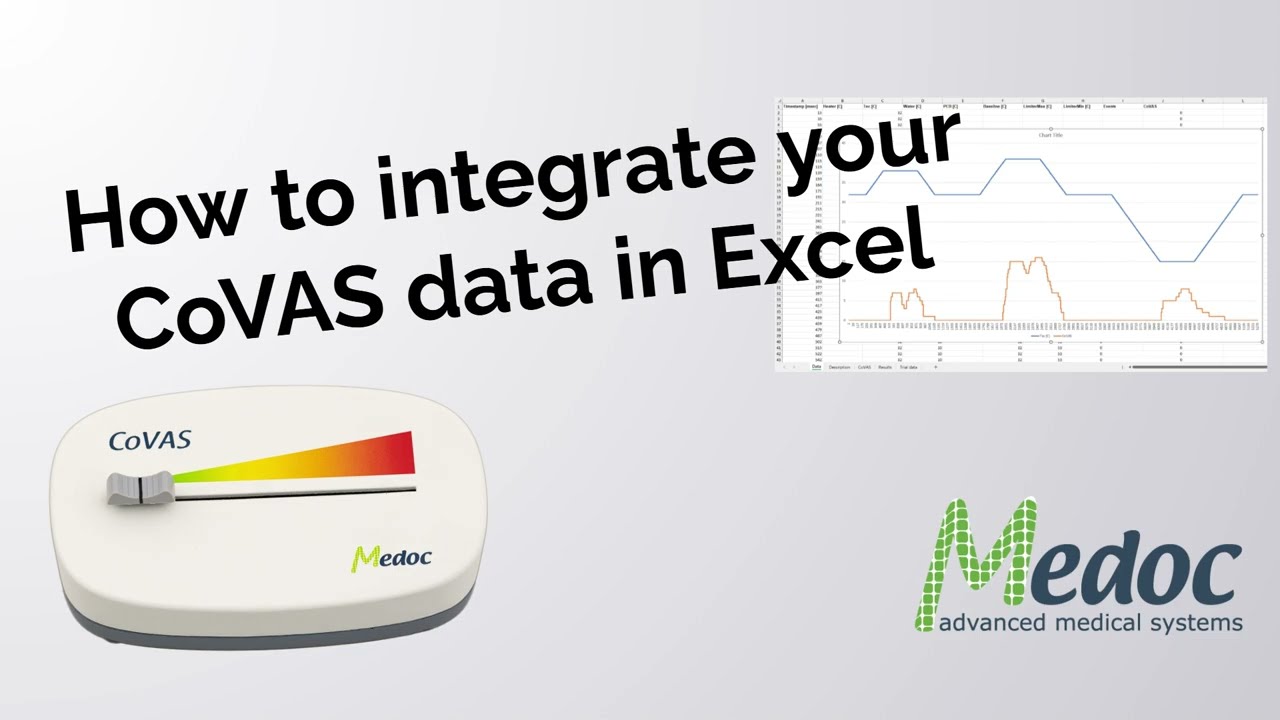
CoVAS and Excel alignment
In this video you can learn how to process CoVAS data in Excel easily. Chapters: 0:00 - Intro 2:55 - Working with CoVAS data in Excel 6:40 - Different Sample Rates for the CoVAS
bottom of page